Syringe Pump
Purpose
- Syringe pumps are motor driven devices used to administer fluid over a period of time.
- They are used for various purposes, notably in clinical settings and medical facilities for administering medicines and other drugs, as well as in research settings for microfluidic, biomedical, and chemical applications.
- Syringe pumps allow for sterility by limiting cross-contamination when switching between syringes, they allow fluids of high viscosity to be pumped, and they are highly accurate.
- While the mechanism behind syringe pumps is fairly simple, commercially available options are expensive and can cost several hundred dollars.
Video
Features
- Stepper Motor Driven
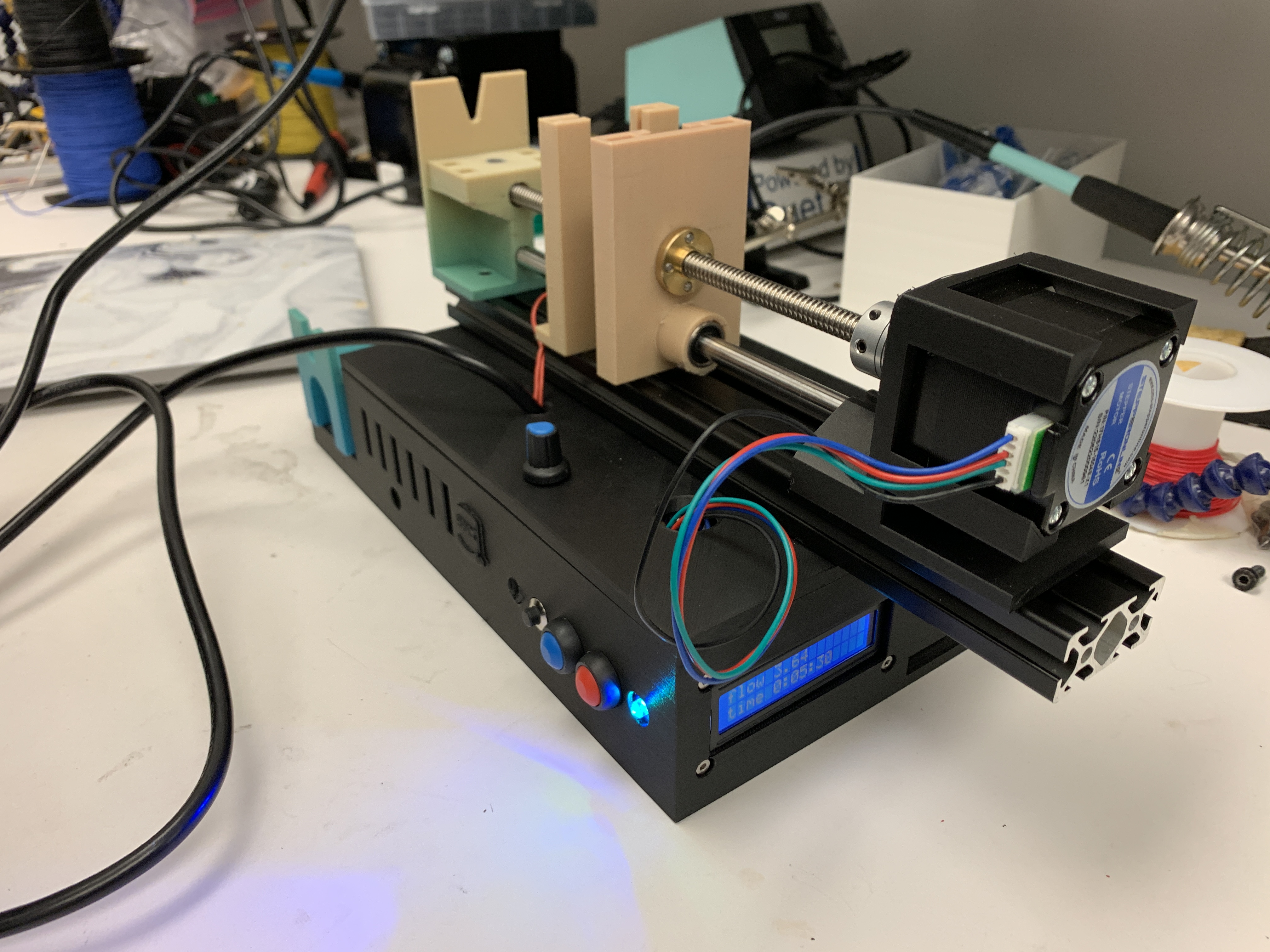
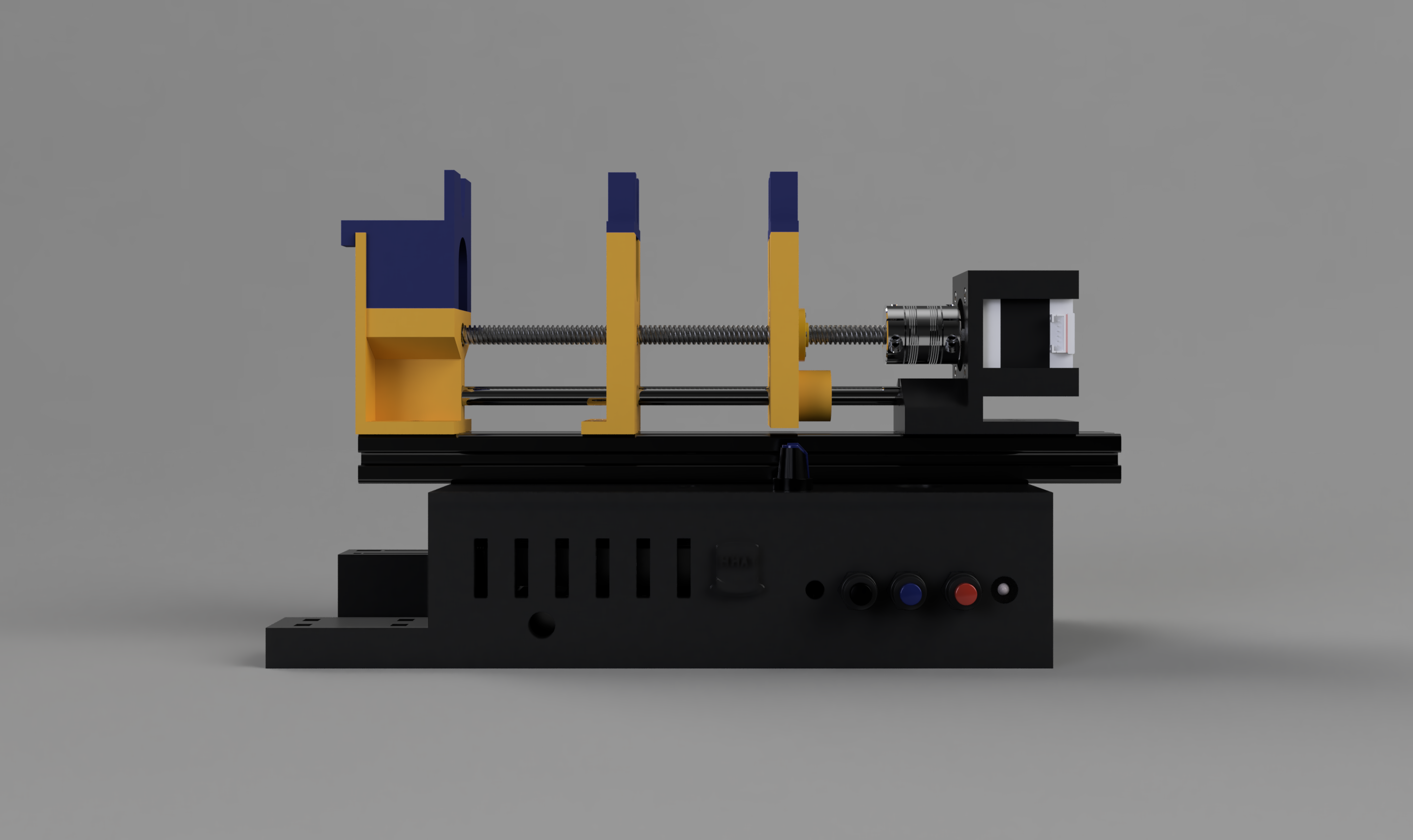
A Nema 17 stepper motor was used to drive a 2mm pitch lead screw. As the lead screw rotates, the lead screw nut actuates linearly, moving the 3D-printed plunger holder forwards and backwards. A linear rod and linear bearing ensures the components all remain aligned on the same axis.
- Custom 3D-Printed Components
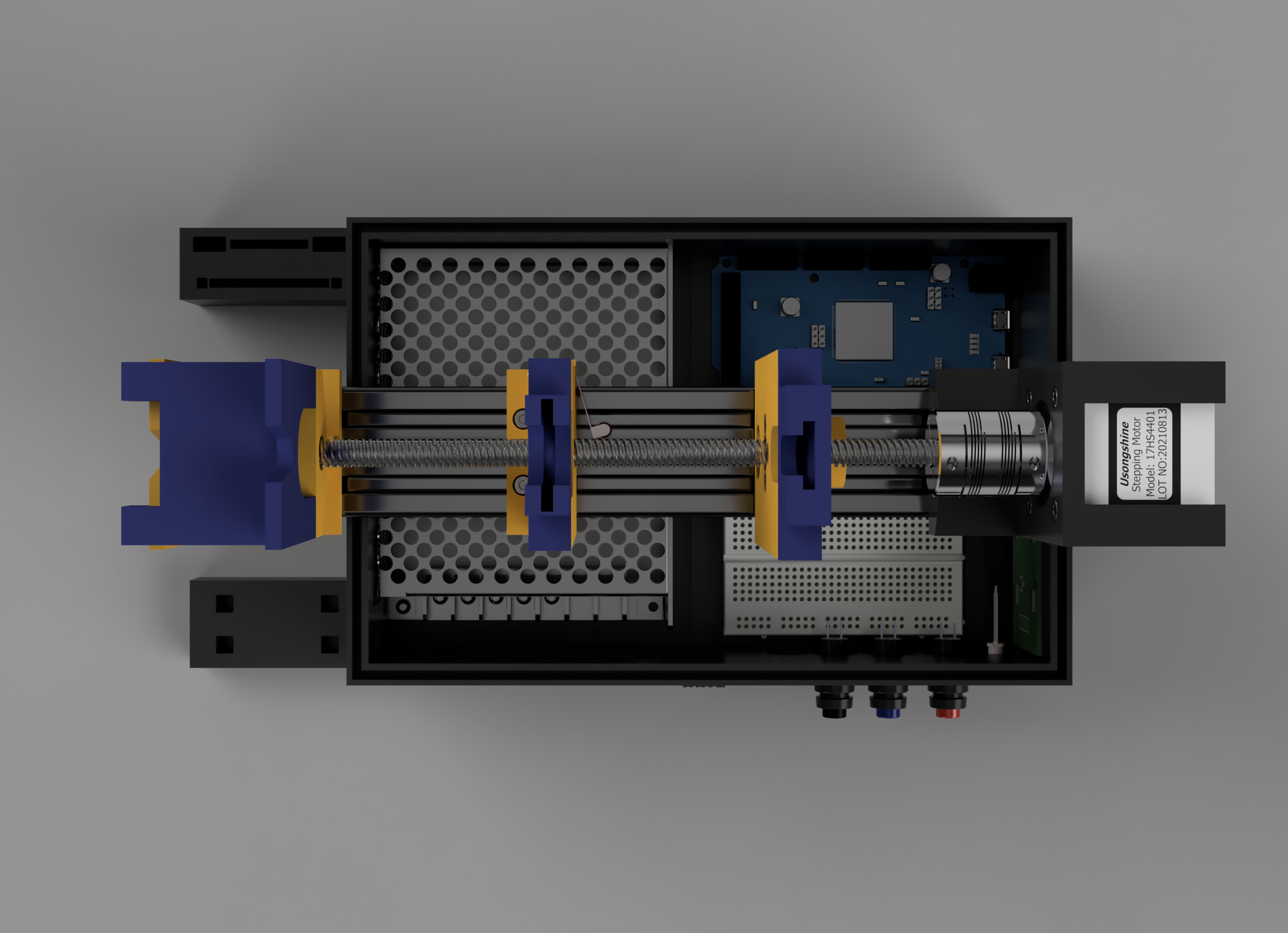
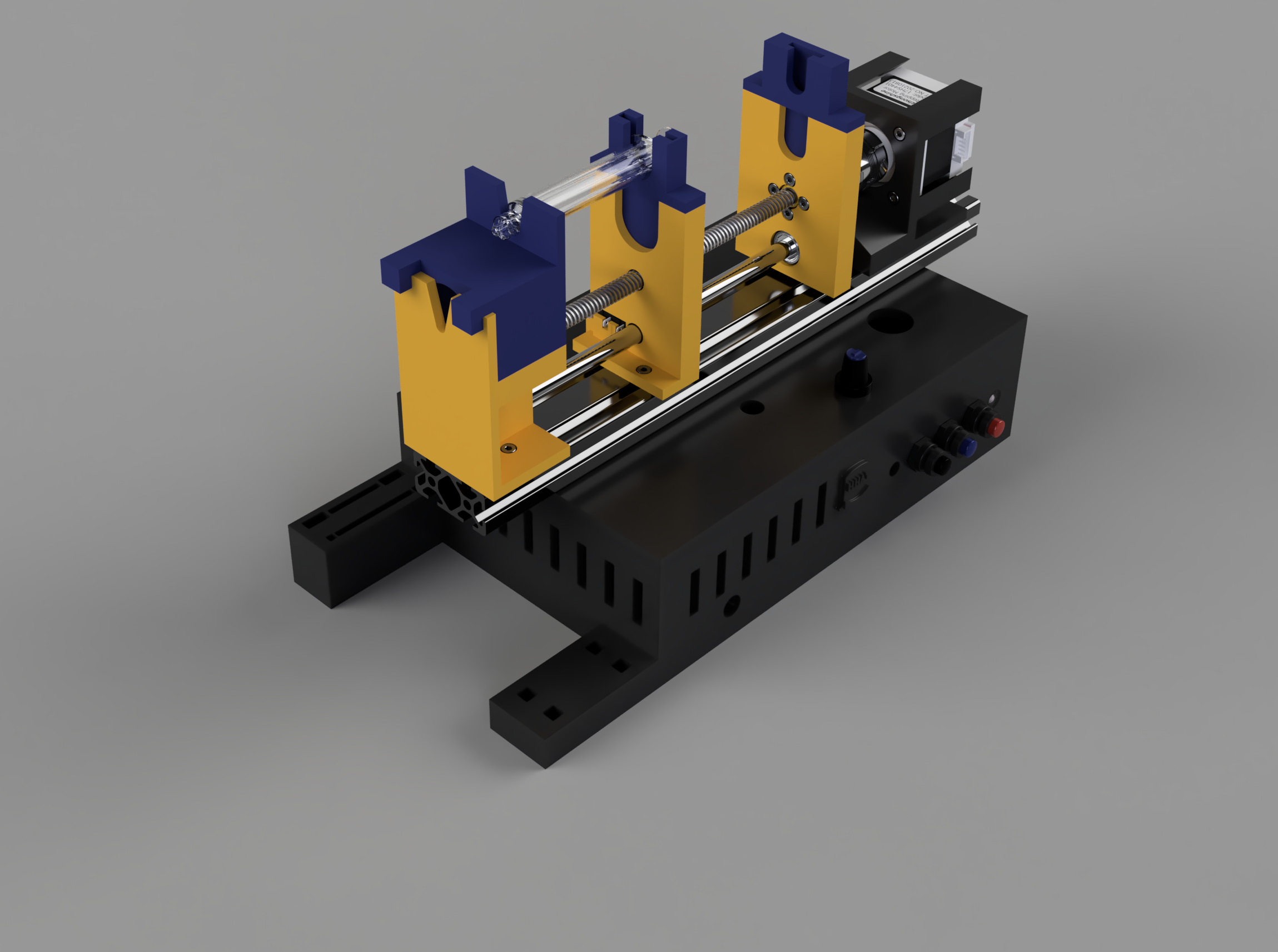
The motor mount, plunger holders, front barrel stabilizers, back barrel stabilizers, and box enclosure were all custom designed and 3D printed to be compatible with the off-the-shelf components.
- Compatible With Syringes of Different Diameters: 20 mL and 5 mL
The user can easily swap between two syringes of different diameters without requiring loosening or tightening of any fasteners. The default configuration where the syringe slots into the lower stage is for the larger 20 mL syringe. Three upper stage pieces (plunger holder, front barrel stabilizer, back barrel stabilizer) can slot into the lower stage to allow for the smaller 5 mL syringe to be used. When the upper stage pieces are not in use, they slot into the storage areas on the enclosure box.
- Limit Switch Sensor
A limit switch is triggered when the plunger holder pushes the syringe plunger all the way to the back barrel stabilizer, indicating that the syringe is fully empty.
- LED Status Indicator
An RGB LED indicates the current status of the syringe pump: green when the pump is active, yellow when paused, red when the syringe is empty, purple when moving in reverse, and blue when moving forward.
- Flow Rate Control Knob
A potentiometer mounted on the top of the enclosure box can be turned to easily modulate the flow rate from 0 - 10 mL/min.
- Status Control Buttons
A series of buttons mounted to the front of the enclosure box are used to operate the syringe pump. A latching start/stop button can be used to pump the syringe at the desired set flow rate. The forward and reverse buttons are used to calibrate the position of the plunger holder for loading the syringe such that the user does not need to manually turn the lead screw.
- LCD Screen
An LCD screen is mounted on the side of the box that displays the flow rate of the pump as well as the time remaining until the syringe is fully empty.
CAD Model
Wiring Schematic
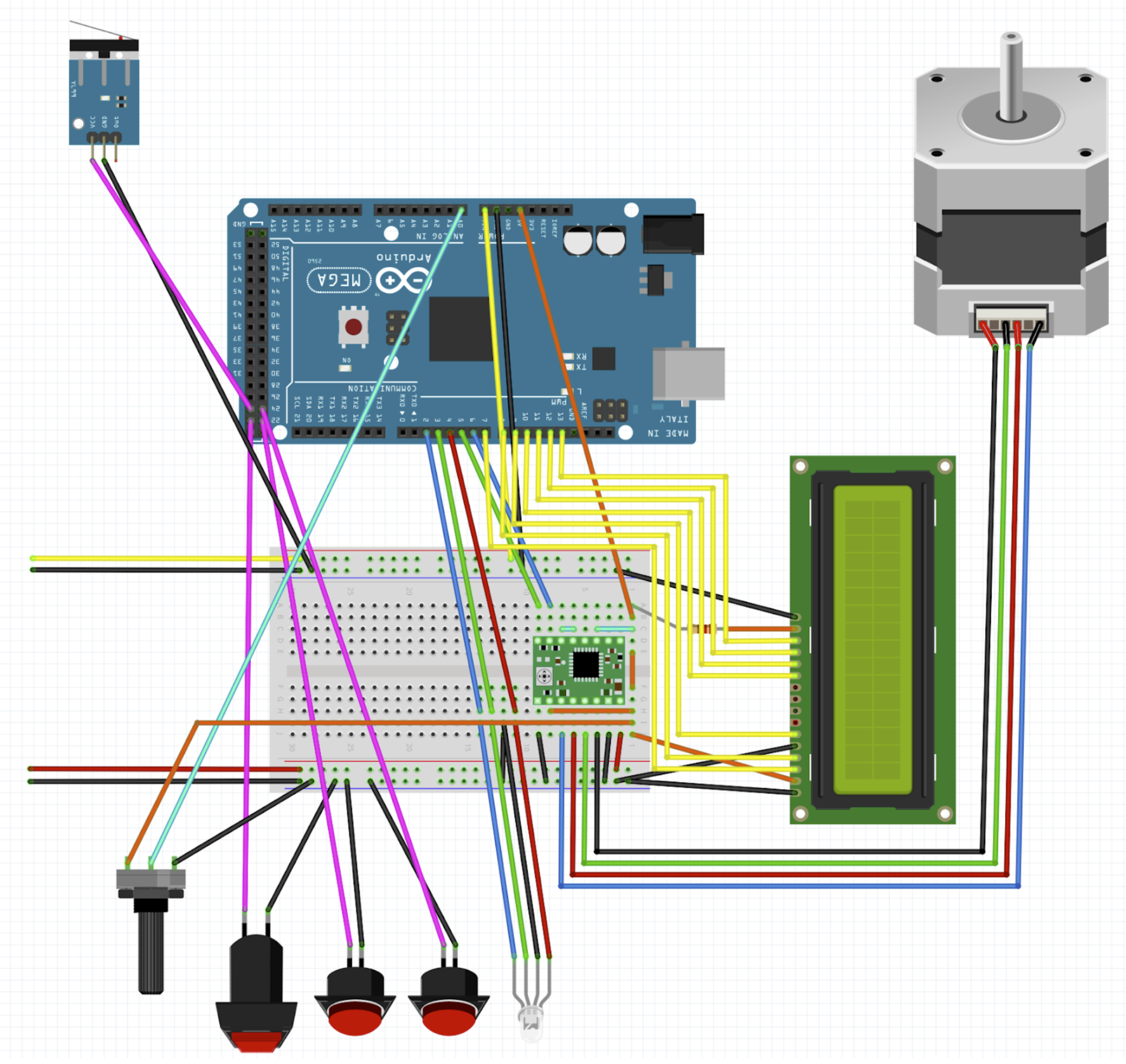
Off-the-shelf Components
| Component | Image |
|---|---|
| 200mm lead screw with 2mm pitch and 2mm lead (Qty: 1) | 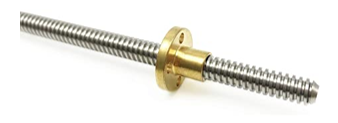 |
| 1/4” x 8mm flexible coupling (Qty: 1) | 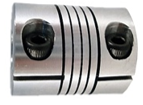 |
| 200mm linear rod with 8mm diameter (Qty: 1) | 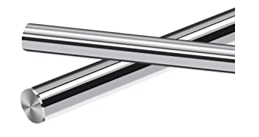 |
| LM8UU Linear bearing for 8 mm diameter rod (Qty: 1) | 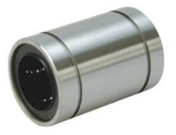 |
| 2040 Aluminum Extrusion 1’ Length (Qty: 1) | 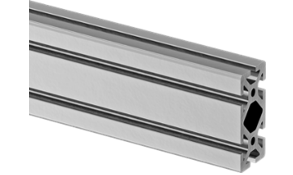 |
| Nema 17 Stepper Motor (Qty: 1) | 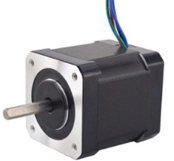 |
| MEAN WELL RQ-65D AC-DC Power Supply Quad Output 5V 12V 24V 12V 4 Amp (Qty: 1) | 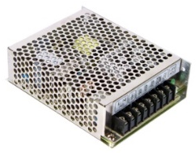 |
| Arduino Mega 2560 Rev3 (Qty: 1) | 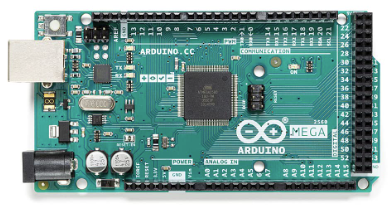 |
| A4988 Stepper Driver (Qty: 1) | 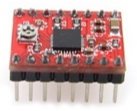 |
| Small Breadboard (Qty: 1) | 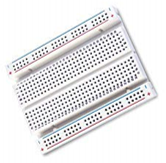 |
| Panel Mount Latching Push Button (Qty: 1) | 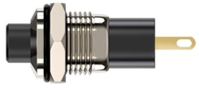 |
| Panel Mount Push Buttons (Qty: 2) | 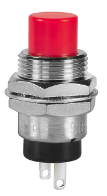 |
| Limit Switch (Qty: 1) | 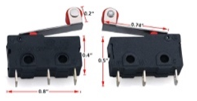 |
| RGB Common Cathode LED (Qty: 1) | 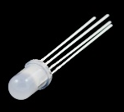 |
3D Printed Custom Components
| Component | Image |
|---|---|
| Back Barrel Stabilizer (Lower) | 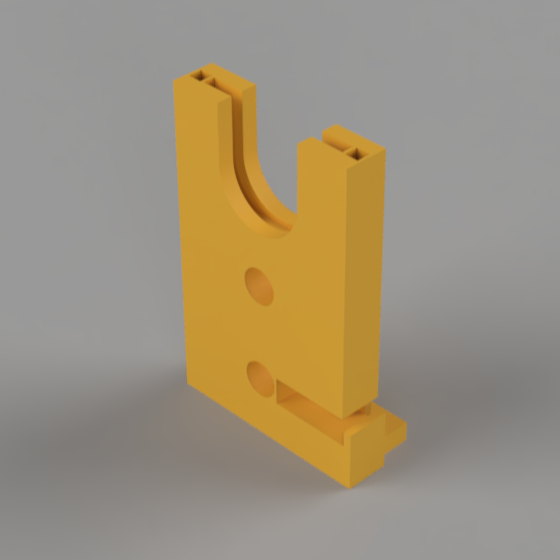 |
| Back Barrel Stabilizer (Upper) | 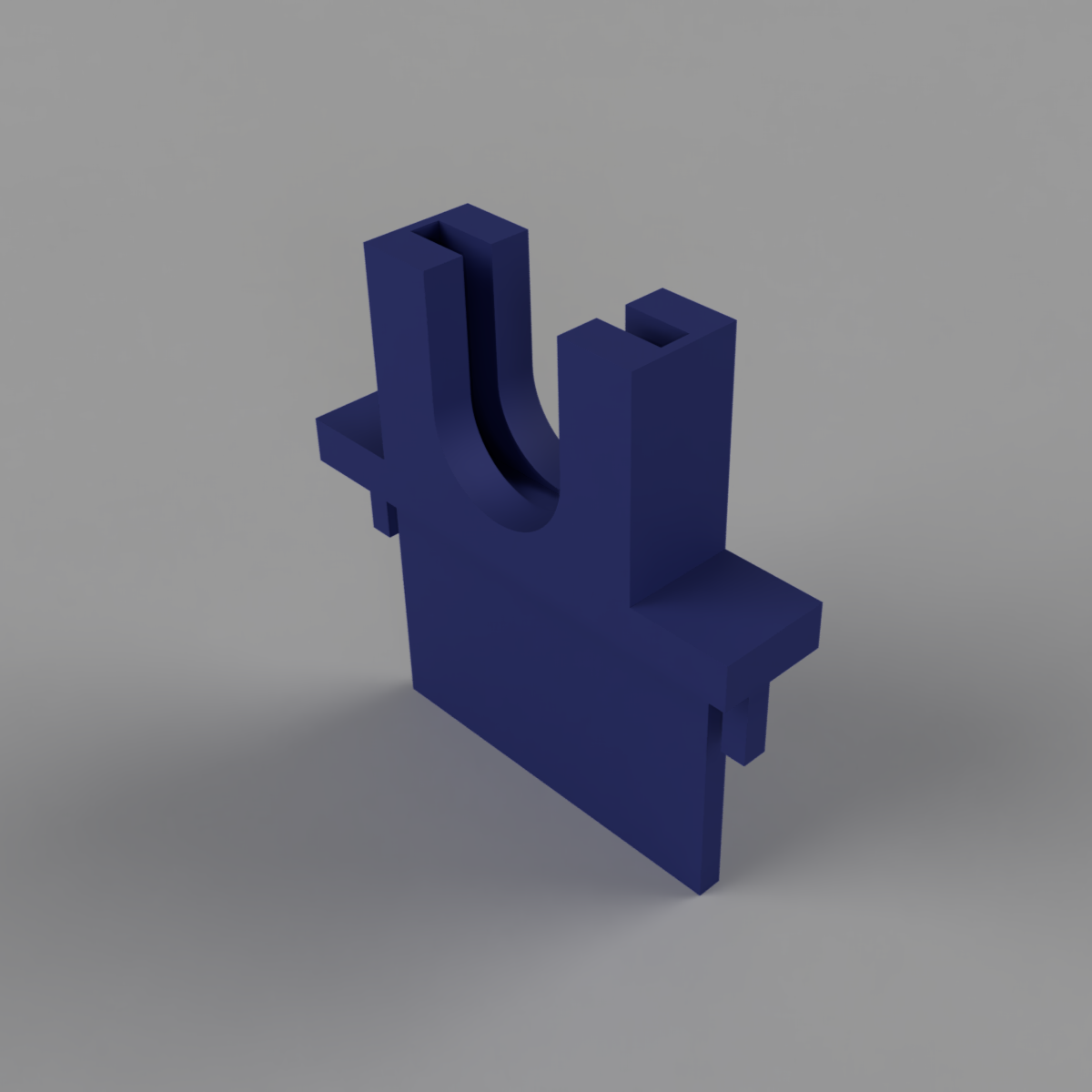 |
| Front Barrel Stabilizer (Lower) | 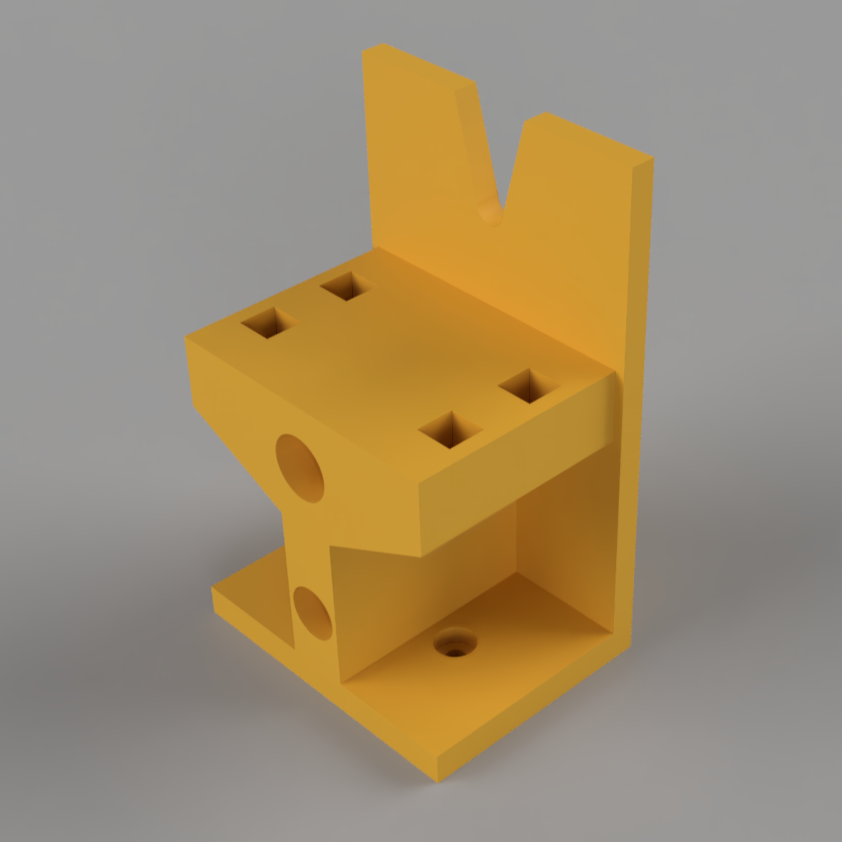 |
| Front Barrel Stabilizer (Upper) | 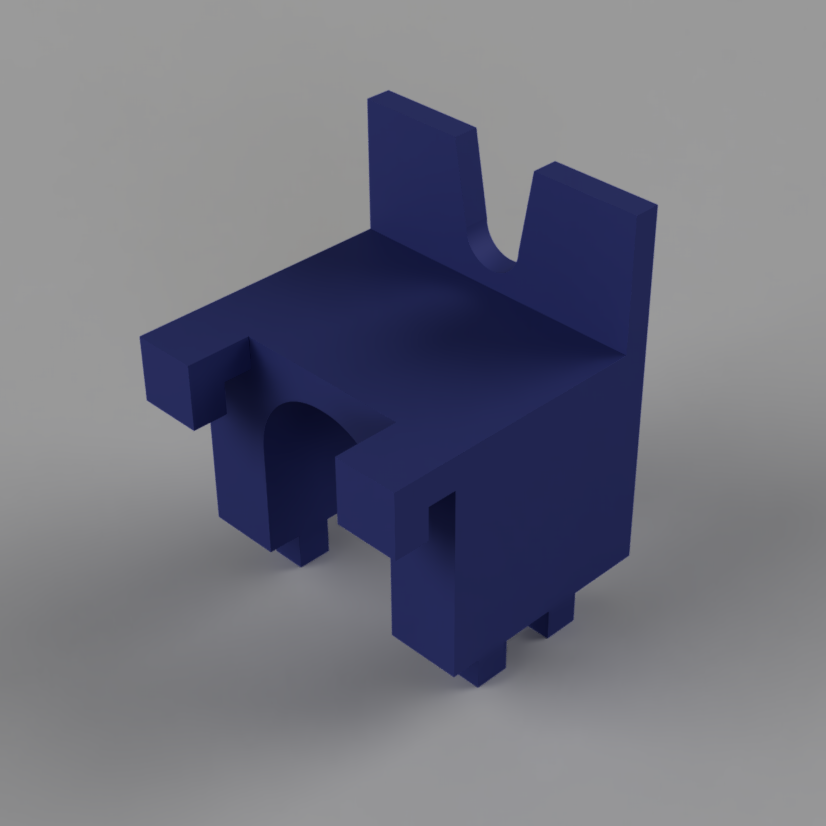 |
| Plunger Holder (Lower) | 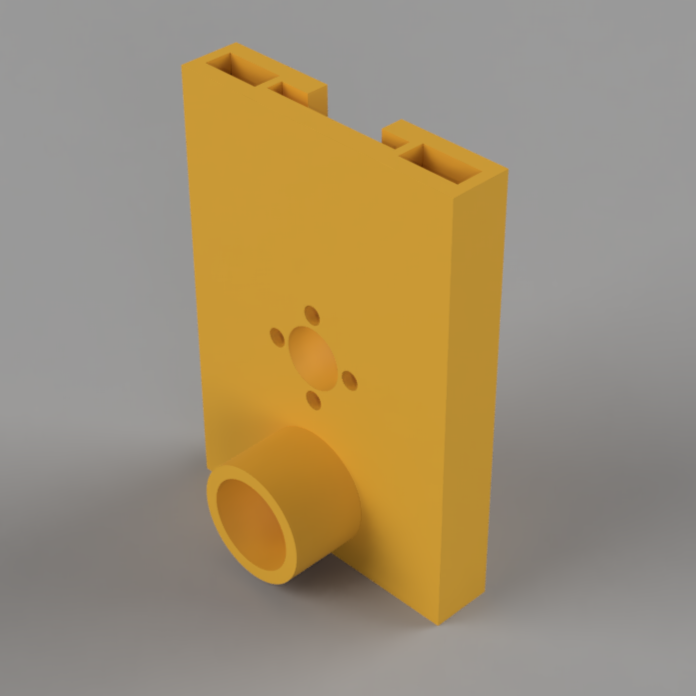 |
| Plunger Holder (Upper) | 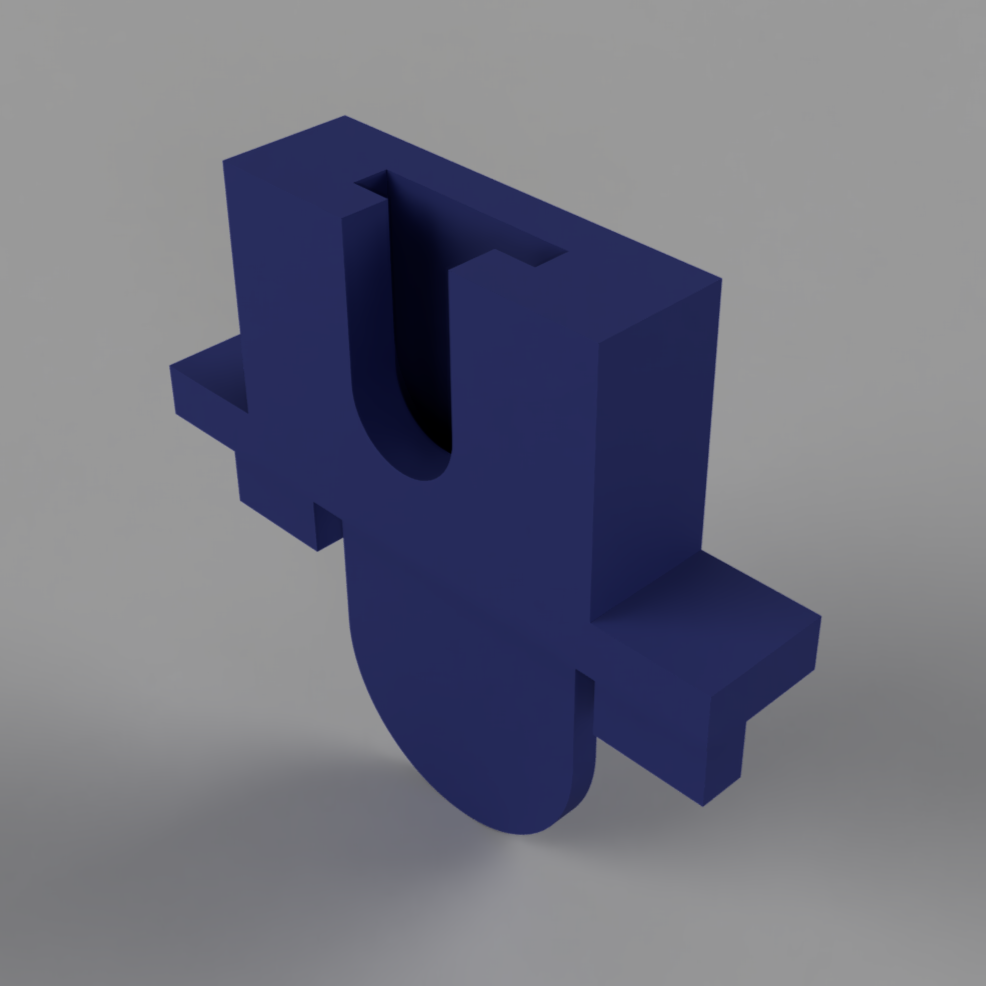 |
| Motor Mount | 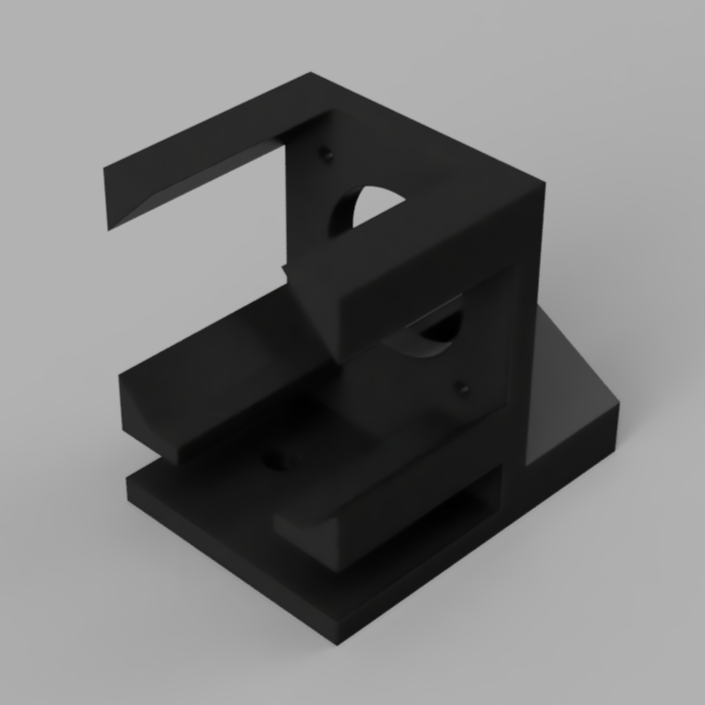 |
| Enclosure Box | 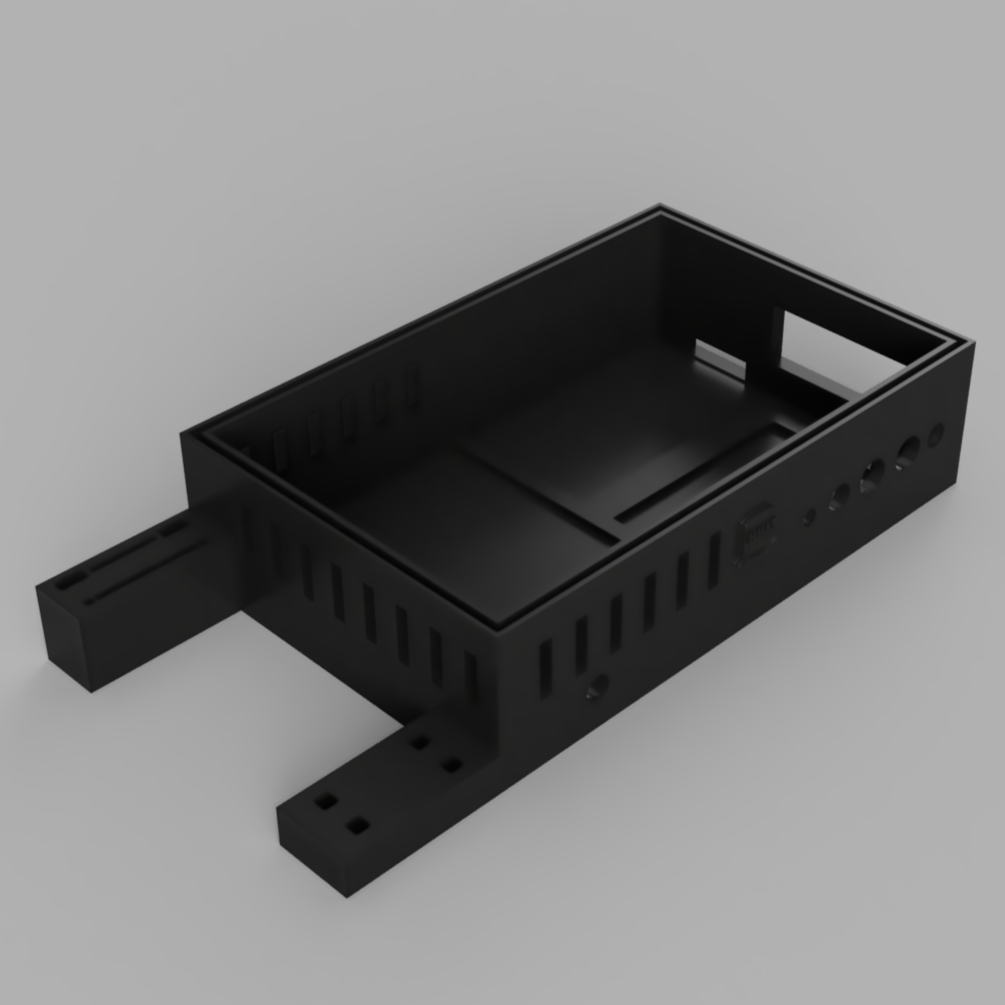 |
| Lid | 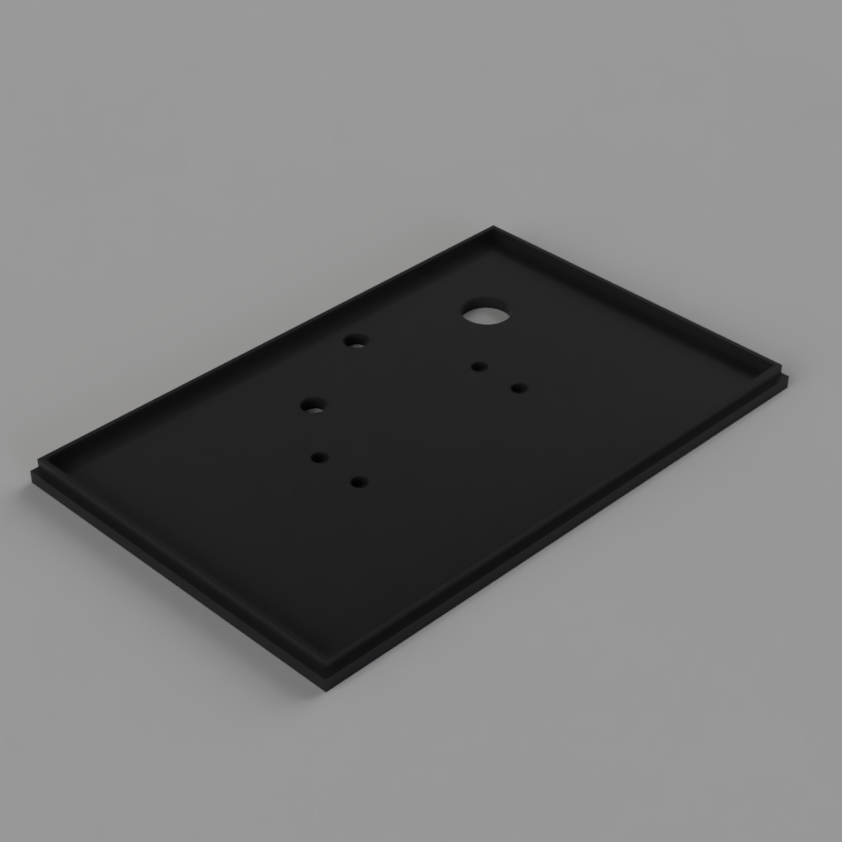 |
Arduino Code
// Import libraries
#include <AccelStepper.h>
#include <LiquidCrystal.h>

// Instantiate stepper motor
AccelStepper stepperX(AccelStepper::DRIVER, 6, 5);

// Instantiate buttons + LED +potentiometer
int start=23;
int limit=25;
int forward=22;
int reverse=24;
int red_LED = 4;
int green_LED = 3;
int blue_LED = 2;
int pot = A0;
bool start_press = false;
bool forward_press = false;
bool reverse_press = false;
bool new_process = true;

// Instantiate LCD
const int rs = 8, en = 9, d4 = 10, d5 = 11, d6 = 12, d7 = 13, v0 = 7;
int contrast=10;
LiquidCrystal lcd(rs, en, d4, d5, d6, d7);

float big= 18.6; // mm
float small= 11.7; // mm

/********ENTER VARIABLES BELOW********/
float syringe_diameter = big;         // mm, CHOOSE 'big' OR 'small'
float flowrate = 0;                   // SET FLOW RATE: 0.012 - 300 mL/min
float volume = 20;                    // SET CURRENT VOLUME: 0-20 mL

// Steprate claculations
float flowrate_mms = flowrate*1000/60;                    // mm^3/s
float syringe_area = 3.1415*sq((syringe_diameter/2.0));   // mm^2
float distance_rate = flowrate_mms/syringe_area;          // mm/s
float steprate = distance_rate/2*200*4;                   // step/s

// Time remaining calculations
float time_tot_s = volume*60/flowrate;                    // total time in seconds
int time_tot_sround = round(time_tot_s);                  // round
int time_sec = time_tot_sround % 60;                      // s total
int time_hr = round(time_tot_sround/3600);                // h total
int time_min = round(time_tot_sround/60)-60*time_hr;      // m total
float start_time = 0;                                     // set start time = 0
float time_elapsed = 0;                                   // set time elapsed = 0
float time_rem_s = time_tot_s;                            // set time remaining = total time
int time_rem_sround = time_tot_sround;


/*****SETUP*****/
void setup() {

  // Start serial monitor
  Serial.begin(9600);

  // Set max speed
  stepperX.setMaxSpeed(4000); // Max speed based on Arduino

  // Set button + LED pins to correct modes
  pinMode(start, INPUT_PULLUP);
  pinMode(red_LED, OUTPUT);
  pinMode(green_LED, OUTPUT);
  pinMode(blue_LED, OUTPUT);
  pinMode(limit, INPUT_PULLUP);
  pinMode(forward, INPUT_PULLUP);
  pinMode(reverse, INPUT_PULLUP);

  // LCD stuff
  analogWrite(v0, contrast);
  lcd.begin(16,2);
  lcd.print("flow");
  lcd.setCursor(0,1);
  lcd.print("time");
} // end setup


/*****LOOP*****/
void loop() {

  // If Start button is pressed and its a new process
  if (digitalRead(start) == LOW && new_process == true){
    new_process=false;              // Record that a new process has been started, change to false
  } // end if

  // If Reverse button is being pressed + hasn't been pressed yet
  else if (digitalRead(reverse) == LOW && reverse_press == false) {
    stepperX.setSpeed(-400);        // Set speed to reverse direction
    start_press = false;            // Set Start button pressed status to 'False'
    forward_press = false;          // Set Forward button pressed status to 'False'
    reverse_press = true;           // Change Reverse button pressed status to 'True'
  } // end else if

  // If Reverse button is being pressed + has already been pressed
  else if (digitalRead(reverse) == LOW && reverse_press == true) {
    stepperX.runSpeed();            // Run the motor
    analogWrite(red_LED, 255);      // Set LED to PURPLE
    analogWrite(green_LED, 0);
    analogWrite(blue_LED, 255);
  } // end else if

  // If limit switch is pressed
  else if (digitalRead(limit) == LOW) {
    analogWrite(red_LED, 255);      // Set LED to RED
    analogWrite(green_LED, 0);
    analogWrite(blue_LED, 0);
    start_press = false;            // Reset Start button pressed status to 'False'
    time_tot_s=time_rem_s;          // Reset timer
    time_tot_sround=time_rem_sround;
    new_process = true;
    lcd.setCursor(5,1);
    lcd.print("0:00:00");           // Make sure time remaining reads 0:00:00
  } // end else if

  // If Forward button is being pressed + hasn't been pressed yet
  else if (digitalRead(forward) == LOW && forward_press == false) {
    stepperX.setSpeed(400);         // Set speed to forward direction
    start_press = false;            // Set Start button pressed status to 'False'
    forward_press = true;           // Change Forward button pressed status to 'True'
    reverse_press = false;          // Set Reverse button pressed status to 'False'
  } // end else if

  // If Forward button is being pressed + has already been pressed
  else if (digitalRead(forward) == LOW && forward_press == true) {
    stepperX.runSpeed();            // Run the motor
    analogWrite(red_LED, 0);        // Set LED to BLUE
    analogWrite(green_LED, 0);
    analogWrite(blue_LED, 255);
  } // end else if

  // If Start button is being pressed + hasn't been pressed yet
  else if (digitalRead(start) == LOW && start_press == false) {
    stepperX.setSpeed(steprate);    // Set the speed to the steprate (determined by potentiometer)
    start_time=millis();            // Record the start time
    start_press = true;             // Change Start button pressed status to 'True'
    forward_press = false;          // Set Forward button pressed status to 'False'
    reverse_press = false;          // Set Reverse button pressed status to 'False'
    new_process = false;            // It is no longer a new process
  } // end else if

  // If Start button is being pressed + has already been pressed
  else if (digitalRead(start) == LOW && start_press == true) {
    stepperX.runSpeed();            // Run the motor
    analogWrite(red_LED, 0);        // Set LED to GREEN
    analogWrite(green_LED, 255);
    analogWrite(blue_LED, 0);

    // Time remaining calculations
    time_elapsed=(millis()-start_time)/1000;
    time_rem_s=time_tot_s-time_elapsed;
    time_rem_sround=round(time_rem_s);
    time_sec = time_rem_sround % 60;
    time_hr = round(time_rem_sround/3600);
    time_min = round(time_rem_sround/60)-60*time_hr;

    // Send time values to LCD
    lcd.setCursor(5,1);
    lcd.print(time_hr);
    lcd.print(":");
    if (time_min<10){
      lcd.print("0");
    } // end if
    lcd.print(time_min);
    lcd.print(":");
    if (time_sec<10) {
      lcd.print("0");
    } // end if
    lcd.print(time_sec);
  } // end else if

  // If nothing has been pressed yet + its a new process
  else if (new_process == true) {

    // Set LED to CYAN
    analogWrite(red_LED, 0);
    analogWrite(green_LED, 255);
    analogWrite(blue_LED, 255);

    // Potentiometer stuff
    float potVal=analogRead(pot);                       // Read the potentiometer
    float flowrate = potVal*10/1023;                    // Scale from 0-1023 to 0-10 mL/min
    flowrate_mms = flowrate*1000/60;                    // mm^3/s
    syringe_area = 3.1415*sq((syringe_diameter/2.0));   // mm^2
    distance_rate = flowrate_mms/syringe_area;          // mm/s
    steprate = distance_rate/2*200*4;                   // step/s

    // Time calculations
    time_tot_s = volume*60/flowrate;                    // total in seconds
    time_tot_sround = round(time_tot_s);
    time_sec = time_tot_sround % 60;                    // s total
    time_hr = round(time_tot_sround/3600);              // h total
    time_min = round(time_tot_sround/60)-60*time_hr;    // m total
    start_time = 0;
    time_elapsed = 0;
    time_rem_s = time_tot_s;
    time_rem_sround = time_tot_sround;

    // Send info to LCD
    lcd.setCursor(5,0);
    lcd.print(flowrate);
    lcd.setCursor(5,1);
    lcd.print(time_hr);
    lcd.print(":");
    if (time_min<10){
      lcd.print("0");
    } // end if
    lcd.print(time_min);
    lcd.print(":");
    if (time_sec<10) {
      lcd.print("0");
    } // end if
    lcd.print(time_sec);
    lcd.print("     ");
    delay(500);
  } // end else if

  // If nothing is being pressed but it isn't a new process (Paused)
  else {

    // Set LED to YELLOW
    analogWrite(red_LED, 255);
    analogWrite(green_LED, 126);
    analogWrite(blue_LED, 0);

    start_press= false;                 // Set Start button pressed status to 'False'
    time_tot_s=time_rem_s;              // Reset timer
    time_tot_sround=time_rem_sround;
  } // end else
} // end LOOP